
Review & Refine
Collaborate on answers — text, images, and diagrams — track every change, and keep feedback in context. Review, refine, and submit with confidence.
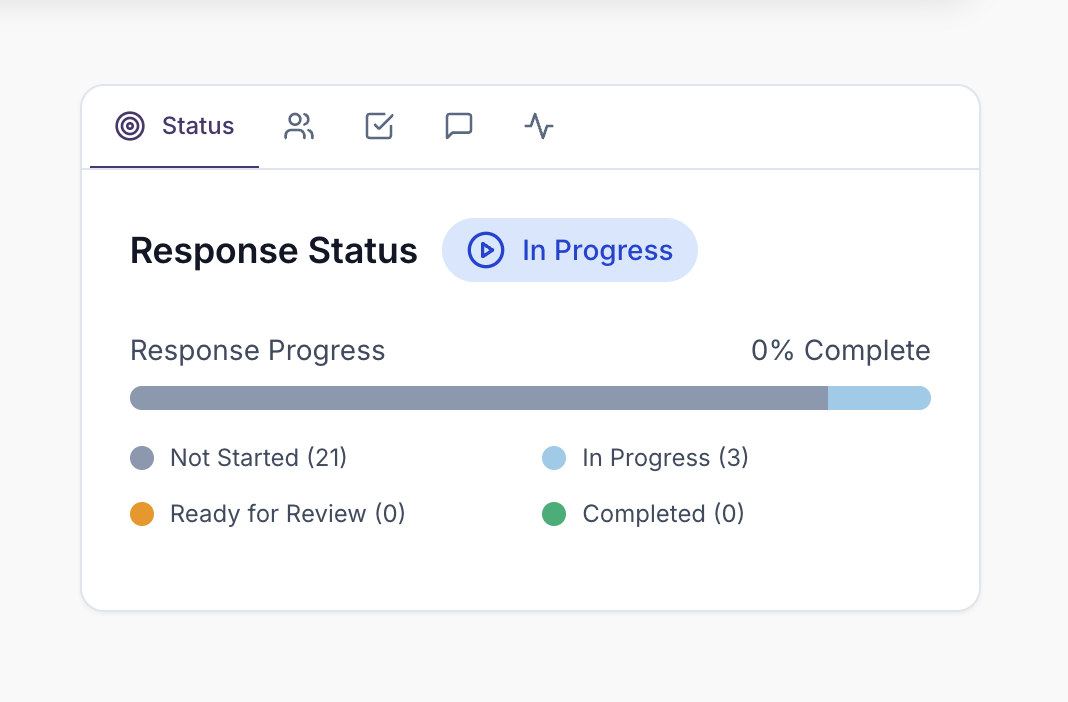
One Workspace for Everything
Bring together multiple team members in one shared environment. No more email chains or version confusion. Create dedicated projects for each tender, with all questions, answers, and documents in one place. See who's viewing or editing each question in real time.
- Unified team workspace
- No version confusion
- Centralised communication
- Single source of truth
- Live presence — see who's on each question right now
- Rich answers with embedded photos and diagrams reviewed in the same workspace
Keep Feedback in Context
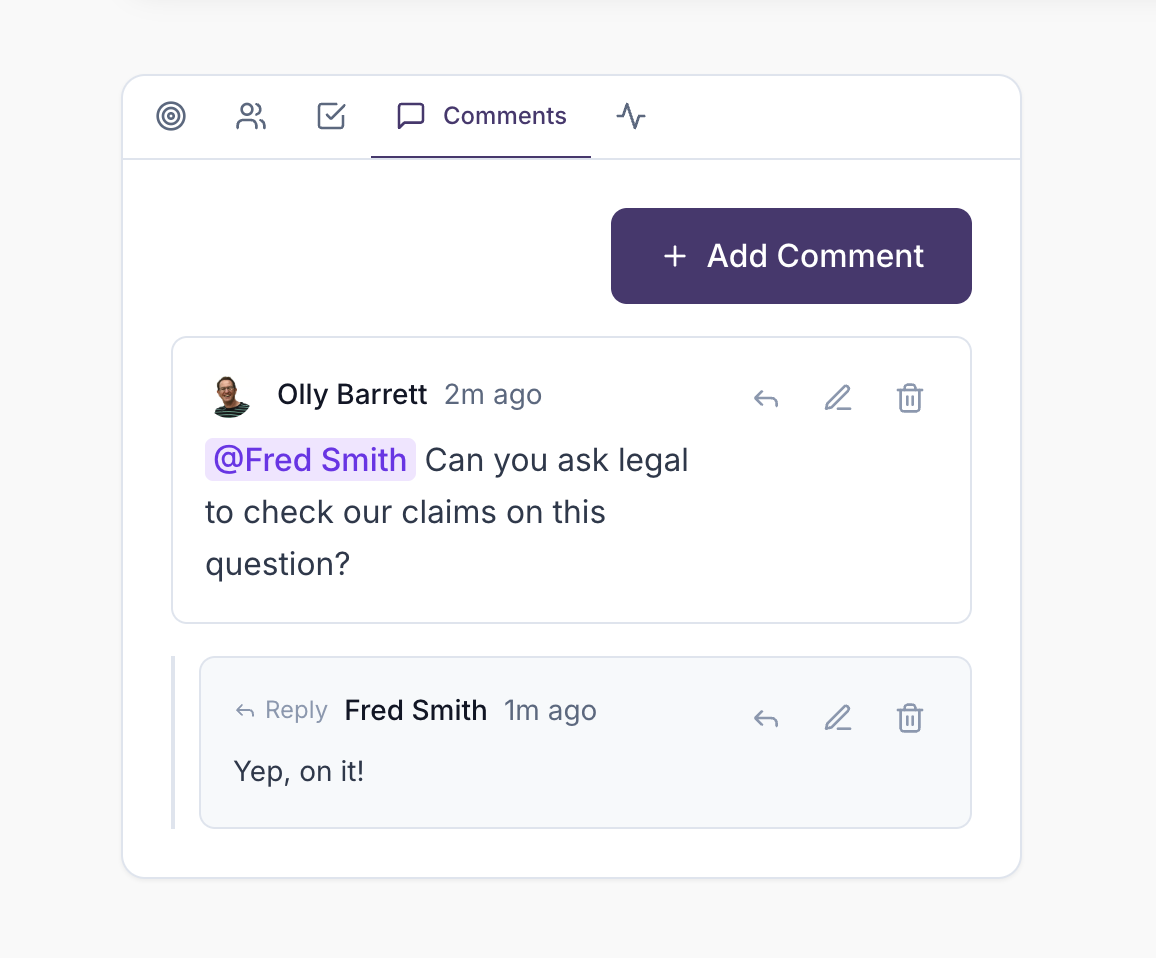
Comment directly on sections, track changes, and maintain conversation history right where it matters most. Add comments to questions or projects, reply to create threaded conversations.
- Contextual commenting
- Threaded discussions
- In-platform collaboration
- Feedback tracking
@Mentions & Notifications
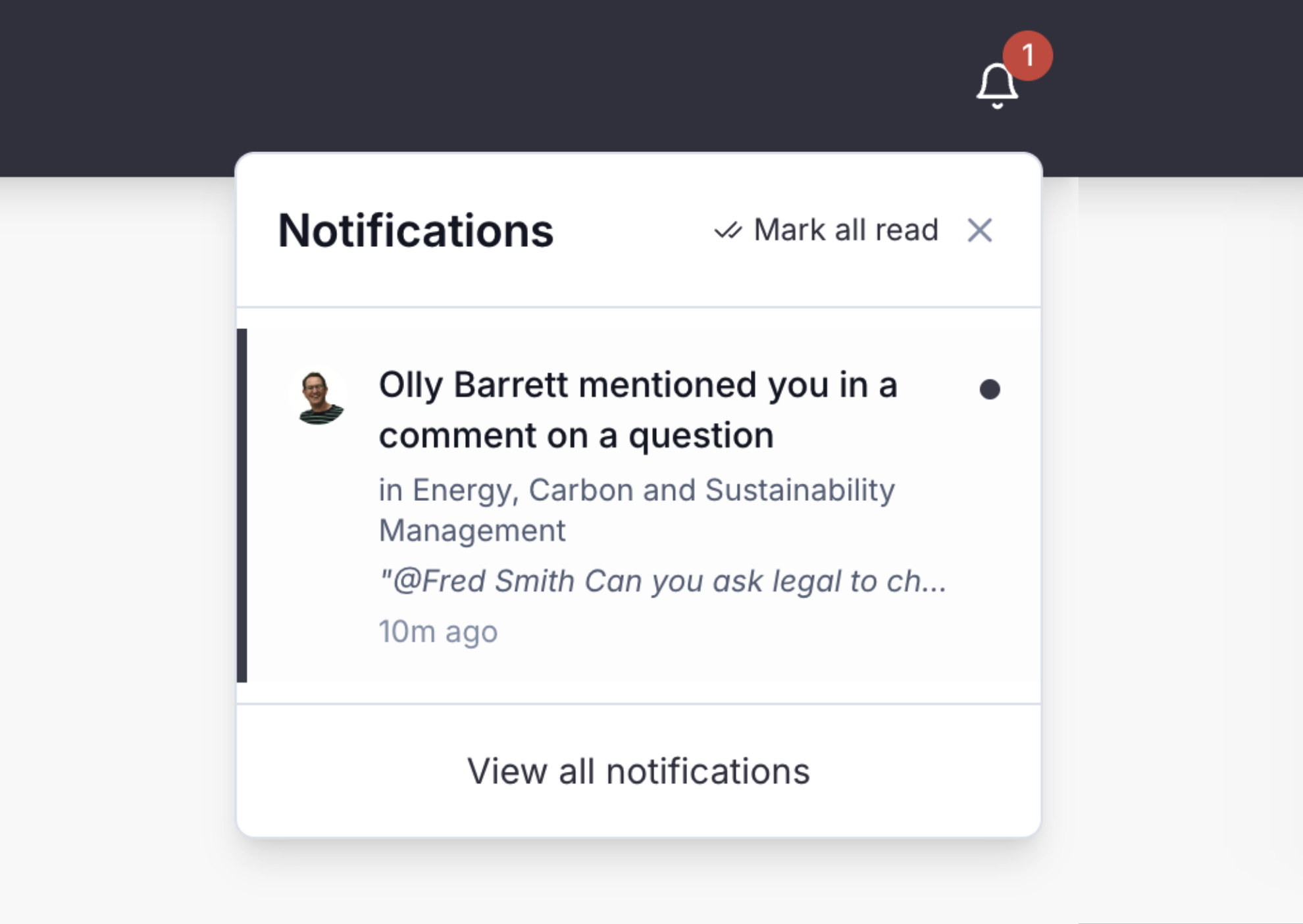
Mention team members in comments to notify them in-app and by email. Get notified about assignments, comments on your questions, and project updates.
- Direct @mentions
- Smart notifications
- Customisable alerts
- Activity tracking
- Email notifications
Complete Version Control
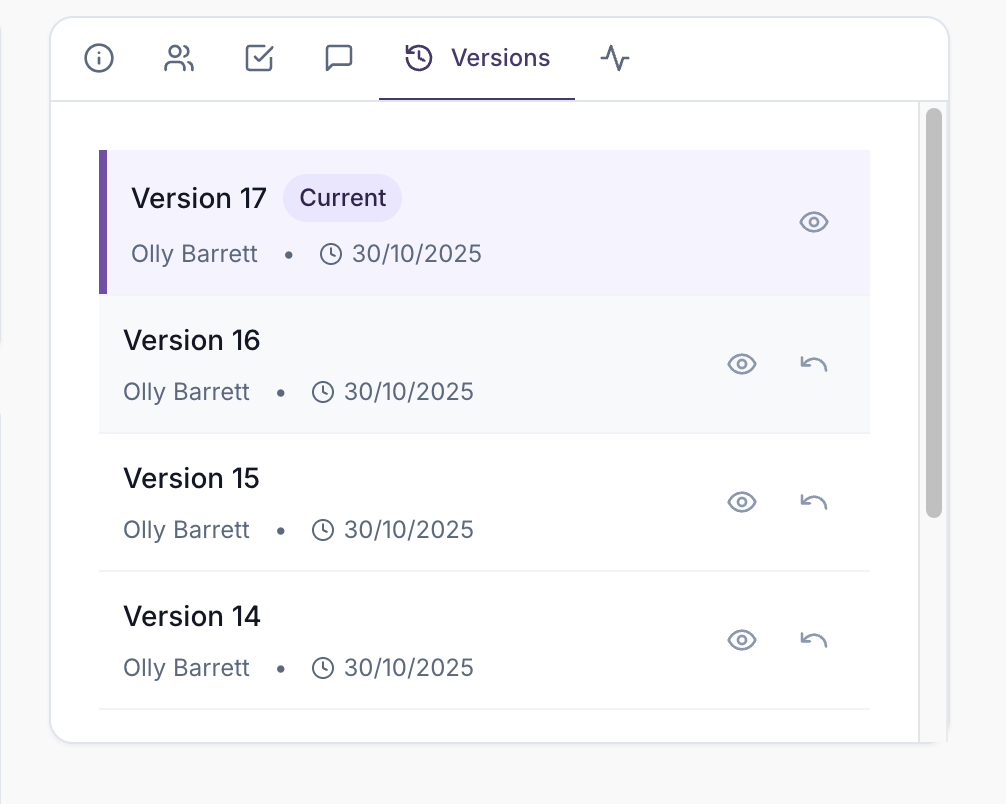
Track every change, compare versions side-by-side, and never lose important edits. Every edit creates a new version, whether it's AI-generated, manually edited, or auto-saved. If two people edit the same answer at the same time, you're prompted to review and choose how to proceed.
- Automatic versioning
- Change attribution
- One-click reversion
- Complete audit trail
- Simultaneous-edit conflict detection
Explore Other Features
Discover more ways UpliftRFP can transform your proposal process and help you win more business.