
Draft Answers
Your team's strategy is locked in before drafting starts, so every answer builds on it. Generate first drafts grounded in your Content Vault — then enrich them with photos and branded diagrams that export ready for submission.
Guided Kickoff & Gap Analysis
Your team's strategy gets locked in before a single answer is written, so the response builds on where you've already agreed to focus — not on whatever each writer figures out on their own.
- Kickoff decisions make it into the response instead of staying in someone's notes
- Weak spots in your approach surface against the tender's own scoring before they cost you marks
- A settled brief means later answers build on earlier ones instead of contradicting them
- Nothing shifts underfoot mid-draft — your strategy can't quietly drift once writing starts
- Still flexible for teams who'd rather dive straight into drafting
Fast AI Drafts
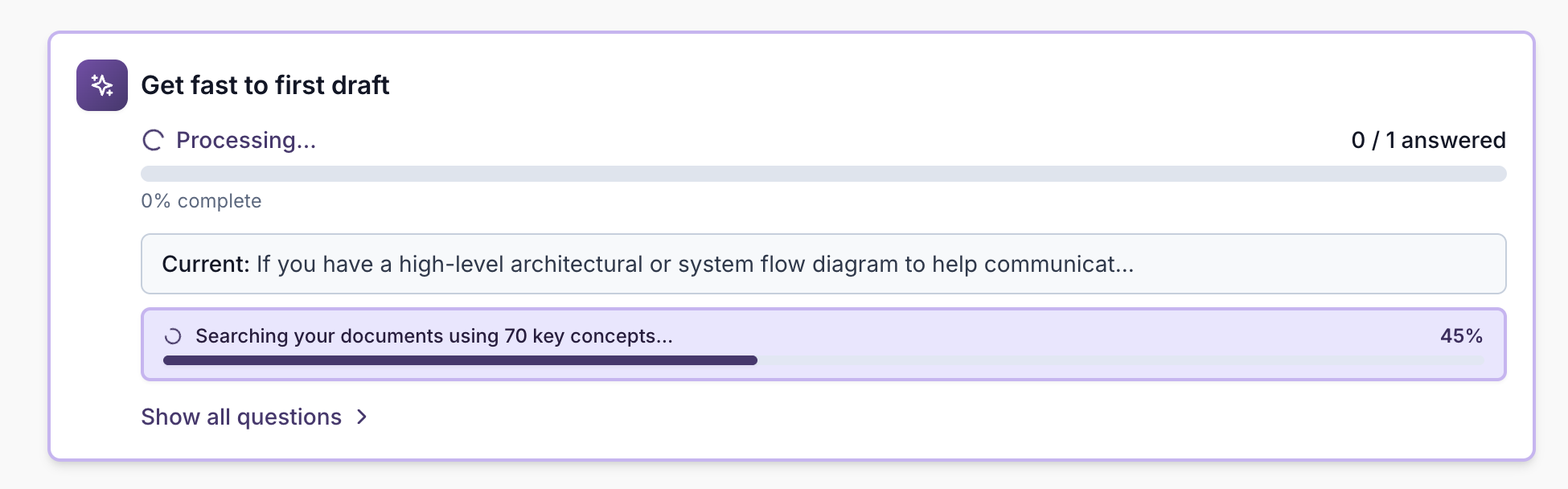
Generate professional-quality first drafts powered by your Content Vault. Click a single button to answer all questions at once, or generate individual answers. Each answer draws on full context: your organisation, brand voice, scoring criteria, and the specific question requirements, so every draft is relevant, weighted correctly, and sounds like you.
- Single button to answer all questions in one go
- One-click individual answer generation
- Brand voice consistency
- Powered by your Content Vault
- Existing images and diagrams preserved when answers are regenerated
Needs Attention Status
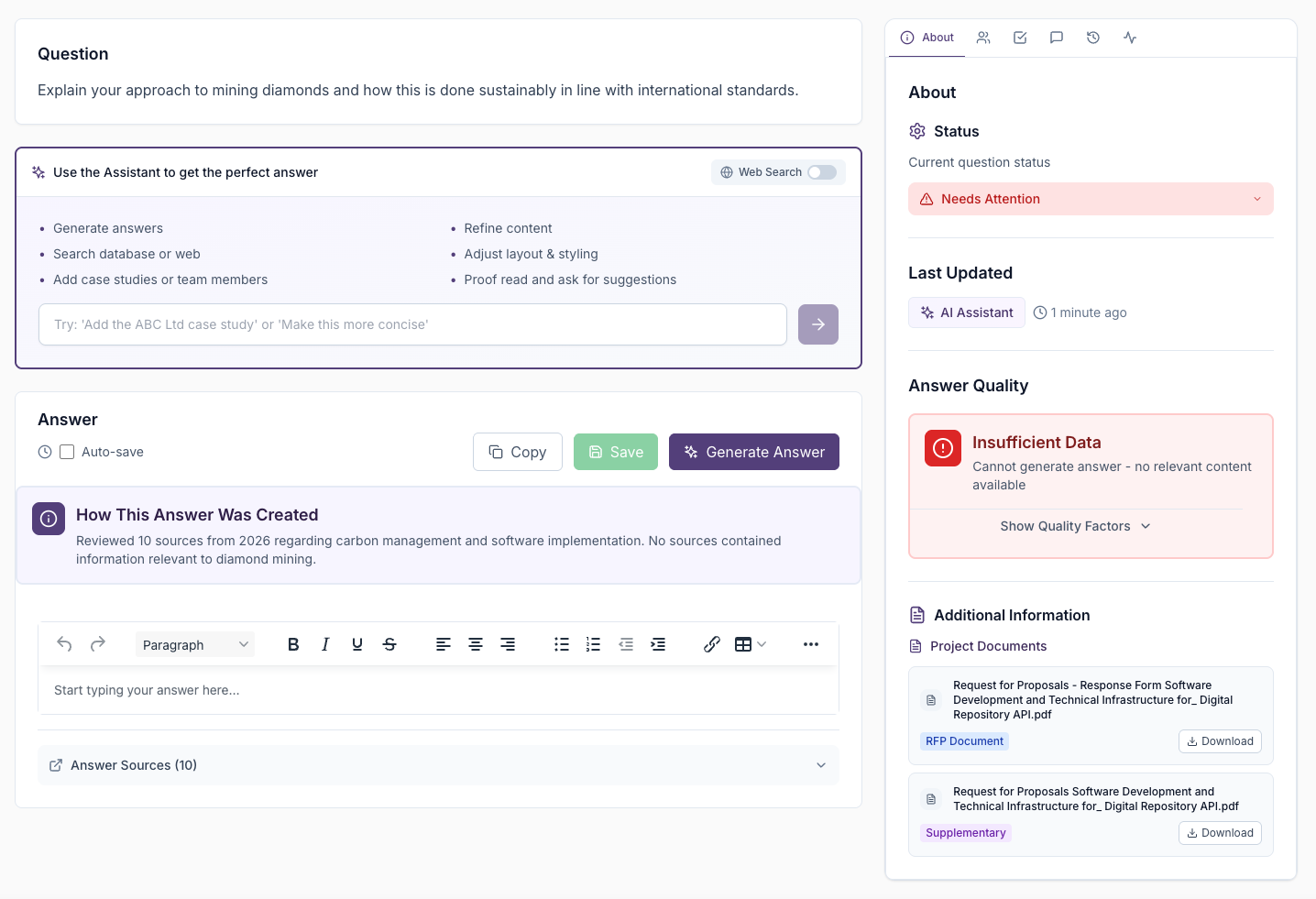
Questions that need attention are automatically flagged when answers are insufficient or incomplete. You can also set it manually to flag anything that needs a closer look. The status appears prominently across dashboards and project views so nothing gets overlooked.
- Automatic flagging of insufficient answers
- Manual status assignment for review
- Prominent display in dashboards
- Easy prioritisation in project views
- Clear visibility of questions needing work
Intelligent Source Matching
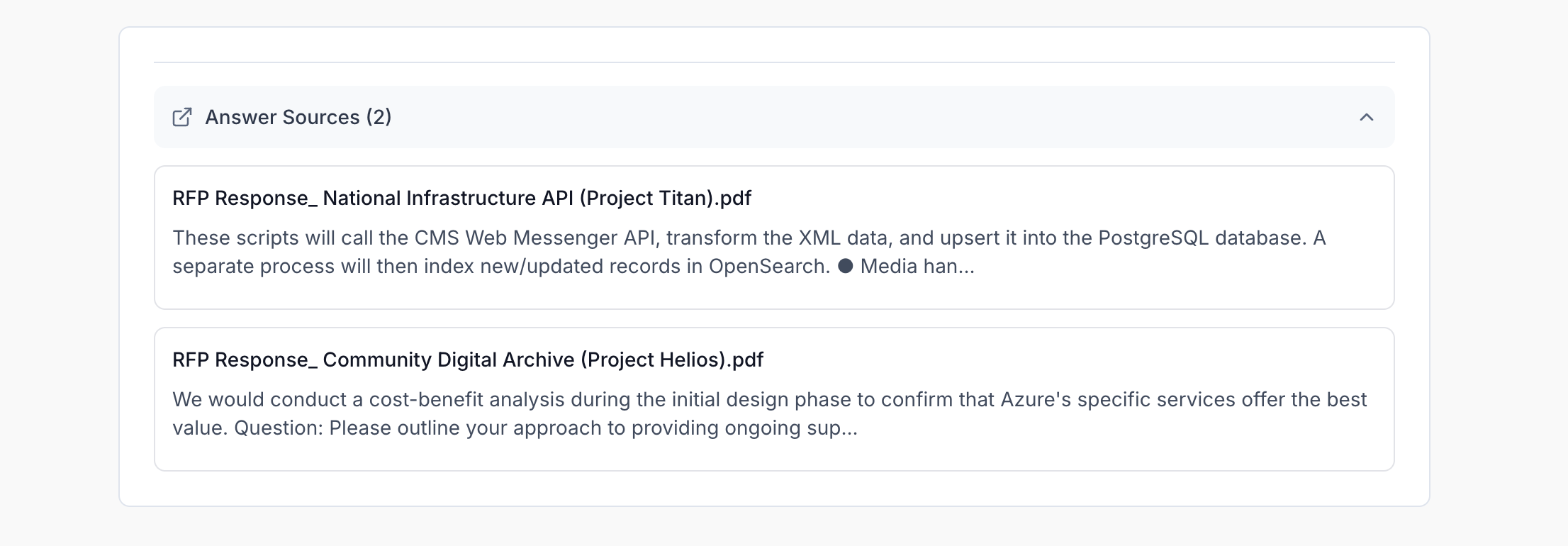
Every generated answer includes clear source references, showing exactly which documents, case studies, or content pieces were used. Questions are only answered using your organisation's content, which prevents hallucinations and ensures trust.
- Automatic source citation
- Questions answered only using organisation content
- Prevents hallucinations and ensures trust
- Clickable references
- Content verification
Ask Eva
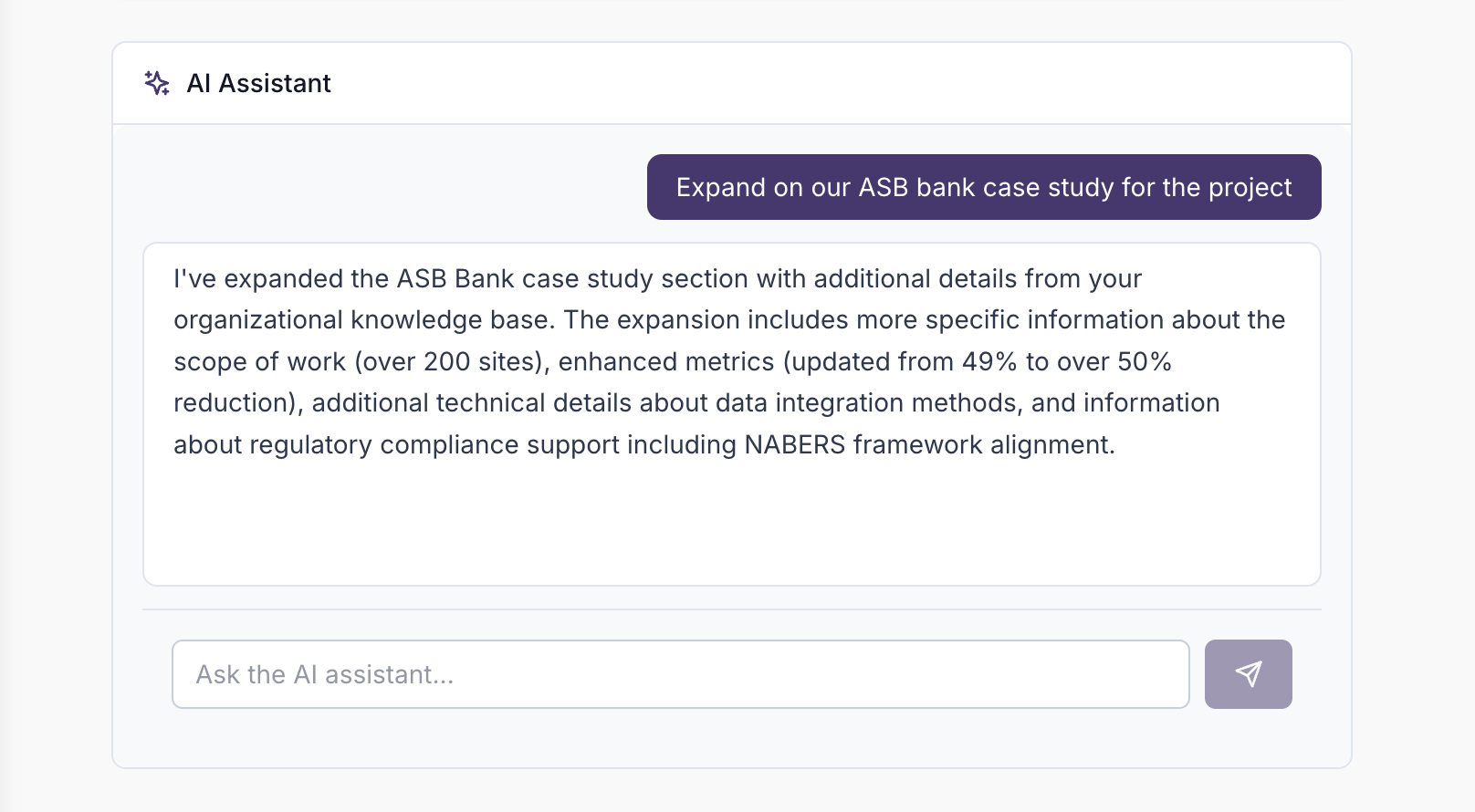
Once your first draft is generated from your Content Vault, refine it further with Eva. Chat to improve answers, adjust tone, add specific details, insert branded diagrams, attach documents for richer context, or search the web to bring in the latest supporting information.
- Project-level Eva chat for broader tender questions plus question-level refinement
- Select any text in an answer to ask Eva about exactly that passage
- Add Visuals — Eva suggests and inserts Phases, Timeline, or Key Points diagrams from your answer content
- Eva can inspect embedded photos and comment on whether they fit the question
- Optional file attachments for Eva to ingest as context alongside your vault
- Conversational refinement
- Web search for new information
- Tone adjustment
- Detail enhancement
- Start a fresh conversation when you want a clean context window
Images & Diagrams in Answers
Upload photos directly into answers and insert branded diagrams — Phases / Methodology, Timeline / Milestones, and Key Points — without leaving the editor. Resize, align, caption, and wrap text around images. Everything exports correctly into your Word document.
- Insert image from the answer toolbar — PNG, JPEG, GIF, or WebP
- Floating toolbar for width, alignment, and text wrap
- Editable captions below each image
- Add Visuals opens Eva with a diagram starter prompt
- Diagrams use your organisation's brand colours from Brand & styling
- Images and diagrams preserved through regeneration and bulk draft
Brand & Customisation
Configure About your organisation, Writing style, Standing instructions, and Brand & styling in one place. Every draft draws on your organisation profile automatically, and your brand colours, fonts, and cover page settings flow through to exports and diagrams.
- About your organisation — AI-maintained summary from your Content Vault
- Writing style — tone, structure, and language preferences
- Standing instructions — non-negotiable rules for every answer
- Brand & styling — colours, fonts, export cover page, and diagram overrides
- Consistent messaging and visual identity across all responses
Explore Other Features
Discover more ways UpliftRFP can transform your proposal process and help you win more business.